Auto-Create Email Aliases as You Sign Up
Auto-create email aliases just by using them.
Type any address at your domain into a signup form, and it starts working the moment the first email arrives.
Every new address gets its own spam count, its own switch, and its own record of who wrote to it.
Free software. You bring a domain you own, or register one during setup.
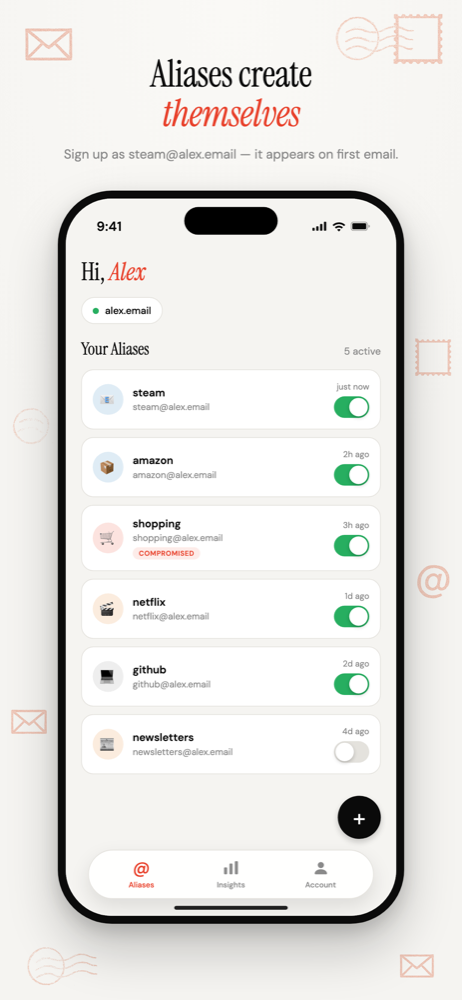
Make it up at the form
Signing up for Steam? Type steam@yourdomain.com. Booking a hotel? hotel-lisbon@yourdomain.com.
There is no app to open first and no address to reserve. Any address at your domain is already live.
The alias appears in your dashboard the moment its first email arrives, and that email is forwarded straight to your inbox.
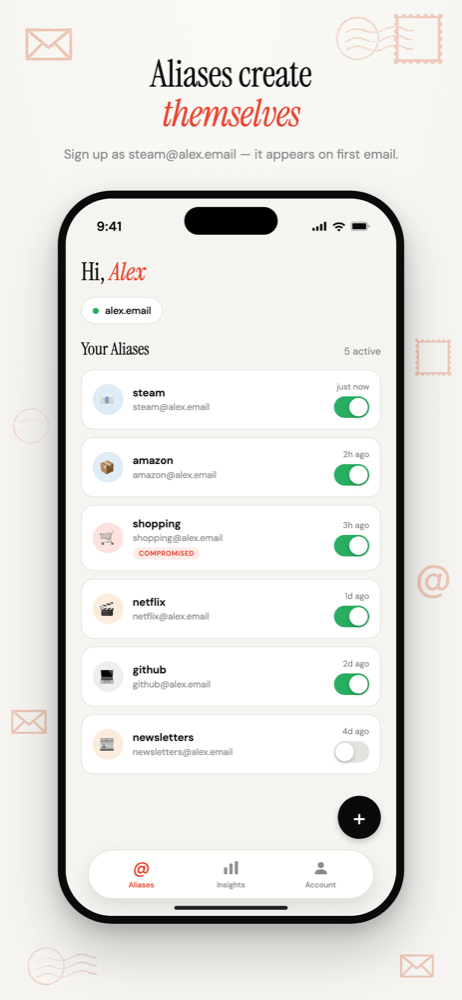
What happens on the first email
- The alias is created and listed alongside the others.
- The sender is recorded as the company you gave it to.
- Mail is forwarded to your main inbox, or to a different inbox you pick for that alias.
- Counting starts: emails received, spam flagged, and any new senders.
Catch-all, with a switch on every address
A plain catch-all dumps everything for your domain into one pile. You can't tell the addresses apart, and you can't turn one off.
Here every auto-created address is its own alias. Give it an emoji and a colour, route it to a different inbox, or disable it, and senders to that one address are rejected while the rest keep working.
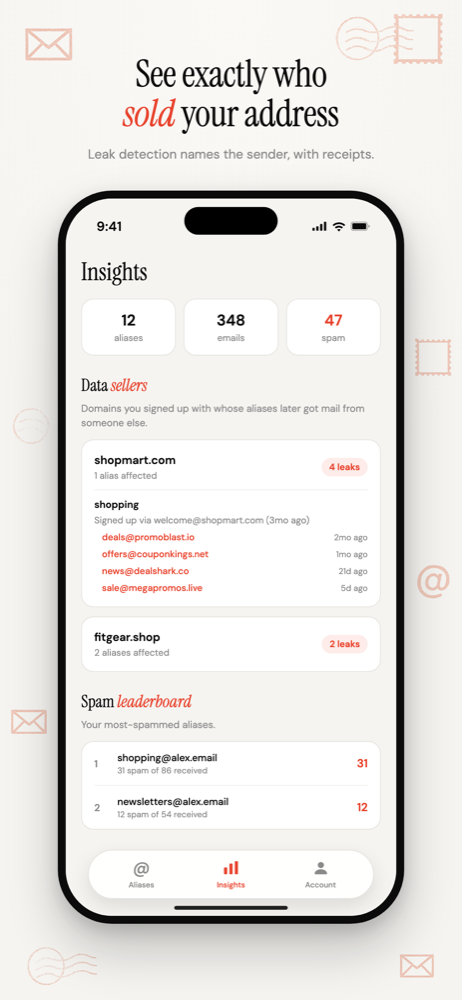
One honest caveat
Because every address is live, mail to an address you never used also creates an alias. That includes spammers guessing common names like info@ or admin@.
They show up in your list like anything else, and one tap disables them. More on catch-all trade-offs · Subdomain aliases vs catch-all
Common questions
- Do I need to create an alias in the app before I use it?
- No. Every address at your domain is already live. Give it to a company, and the alias is created and listed the first time that company emails it. You can still add one manually if you want it set up in advance.
- What happens if someone emails an address I never used?
- It is created too, because every address at your domain accepts mail. Guessed addresses such as info@ or admin@ show up in your alias list like any other, and you can disable them in one tap.
Auto-Create Email Aliases as You Sign Up
Type any address at your domain into a form. It exists the moment the first email arrives.
Free software. You bring a domain you own, or register one during setup.
More ways to use Don't SPAM Me
- Email Aliases for Online ShoppingOne address per shop. Receipts keep working, and the marketing switches off one store at a time.
- Email Aliases for FamiliesOne household domain, a separate address for every account, each routed to whoever needs it.
- Track Which Company Leaked Your EmailOne address per company, so the address that gets spam names the company that shared it.
- Email Aliases on Your Own DomainUnlimited aliases on a domain that belongs to you, not to the alias service.