Email Aliases on Your Own Domain
Email aliases on your own domain work like any alias service, except the addresses belong to you.
Connect a domain you already own or register one during setup, and every address at it forwards to your inbox.
If you ever leave, the domain and every address on it leave with you.
Free software. You bring a domain you own, or register one during setup.
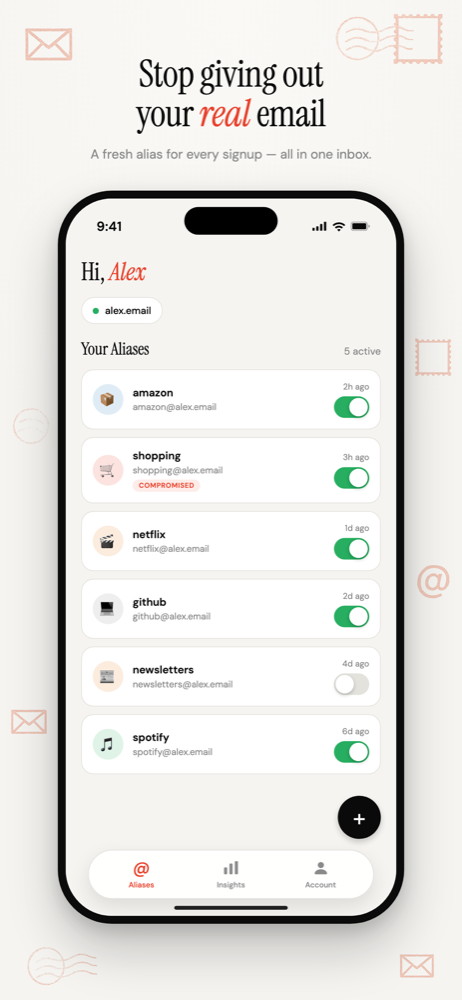
Connect a domain, or register one
Already own a domain? Connect it. You add a TXT record to prove it's yours, and the mail records are checked before anything goes live.
Don't have one? Register it during setup. It's a one-time payment for one to ten years, and it's yours.
Either way, every address at that domain starts forwarding to your inbox.
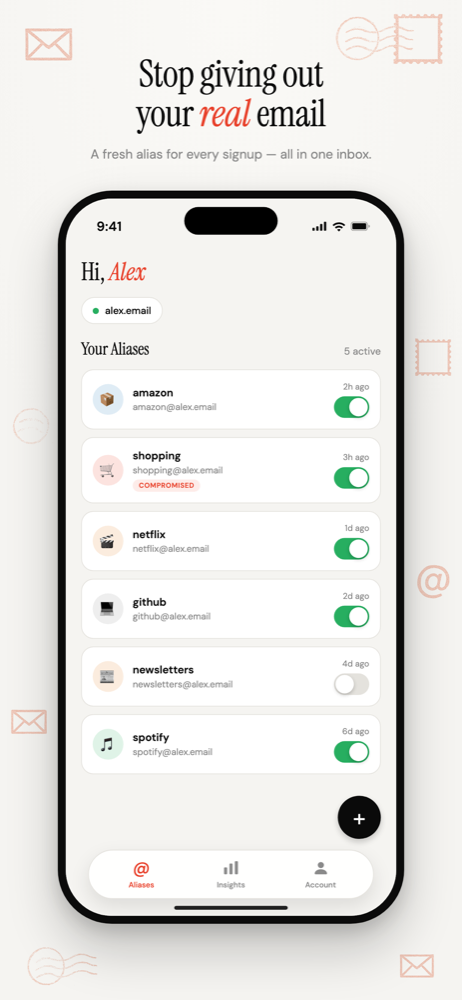
Why owning the domain matters
- Sites can't block it as an alias service. Shared alias domains are well known and some signup forms reject them. Your domain looks like anyone's domain.
- Your addresses don't depend on us. If you leave, point the domain somewhere else and every address keeps working.
- Nobody else shares your namespace. Your addresses can't collide with another user's.
Custom domain vs provider domain, in detail · Will websites block my alias?
Unlimited aliases, each one tracked
There's no cap on addresses, and you don't create them in advance. Each one keeps its own count of mail received and spam flagged.
A sender is flagged as spam once it sends more than four emails to the same alias in a rolling week. The alias that collects the most spam tells you exactly which signup it came from.
Your forwarding, your rules
Mail is forwarded, not stored. Each alias can go to your main inbox or to another inbox you've verified.
Forwarded mail carries headers naming the alias and its spam verdict, so your own inbox filters can sort it however you like.
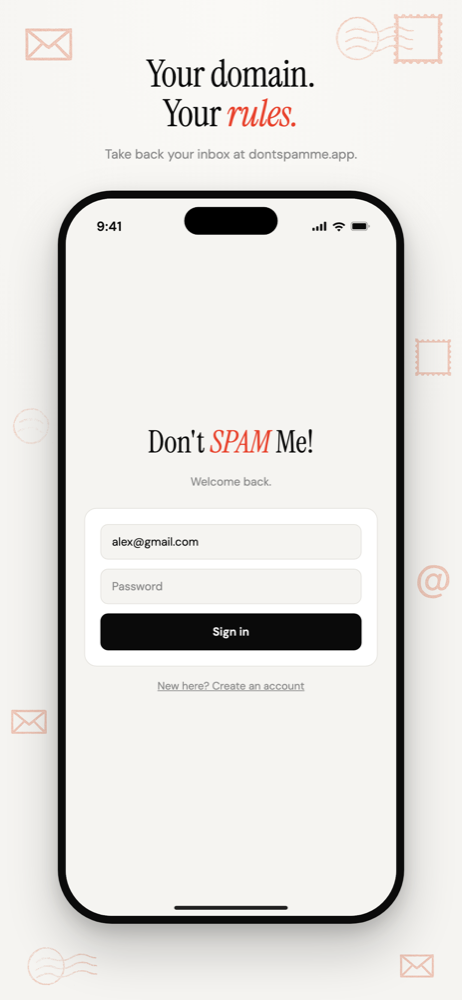
Common questions
- Do I need my own domain to use Don't SPAM Me?
- Yes. Aliases live on a domain you control, not on a shared domain. You can connect one you already own or register a new one during setup, which is a one-time payment for one to ten years.
- What happens to my aliases if I stop using Don't SPAM Me?
- The domain is yours, so the addresses are too. Point the domain's mail records at another email service and every address you gave out can keep receiving mail there.
Email Aliases on Your Own Domain
Unlimited aliases on a domain that belongs to you, not to the alias service.
Free software. You bring a domain you own, or register one during setup.
More ways to use Don't SPAM Me
- Email Aliases for Online ShoppingOne address per shop. Receipts keep working, and the marketing switches off one store at a time.
- Email Aliases for FamiliesOne household domain, a separate address for every account, each routed to whoever needs it.
- Track Which Company Leaked Your EmailOne address per company, so the address that gets spam names the company that shared it.
- Auto-Create Email Aliases as You Sign UpType any address at your domain into a form. It exists the moment the first email arrives.