Email Aliases for Families
Email aliases for families give every household account its own address on one family domain.
School mail goes to the parent who handles school. A child's game signups go to a parent. Bills go to a shared inbox.
When one of those companies shares an address, you know which one.
Free software. You bring a domain you own, or register one during setup.
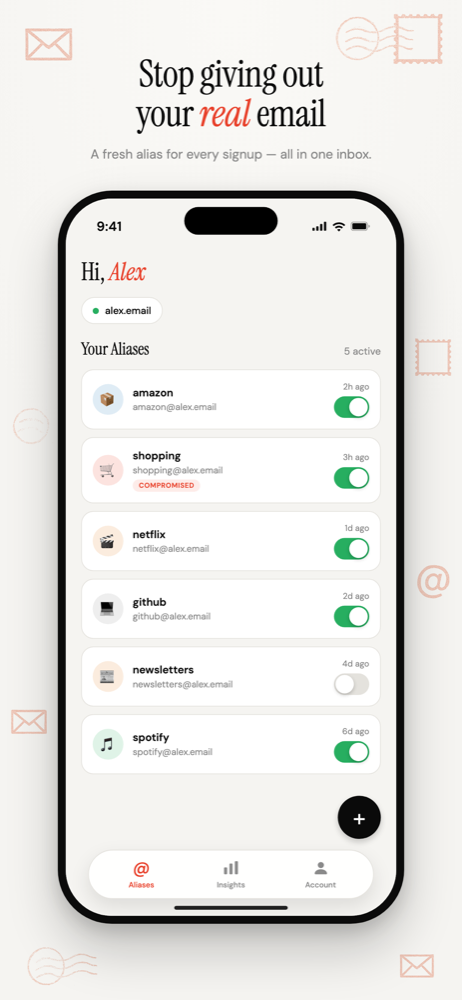
One family domain, everyone's addresses
Register a family domain and every household account gets its own address on it: energy@, school@, netflix@, roblox-sam@.
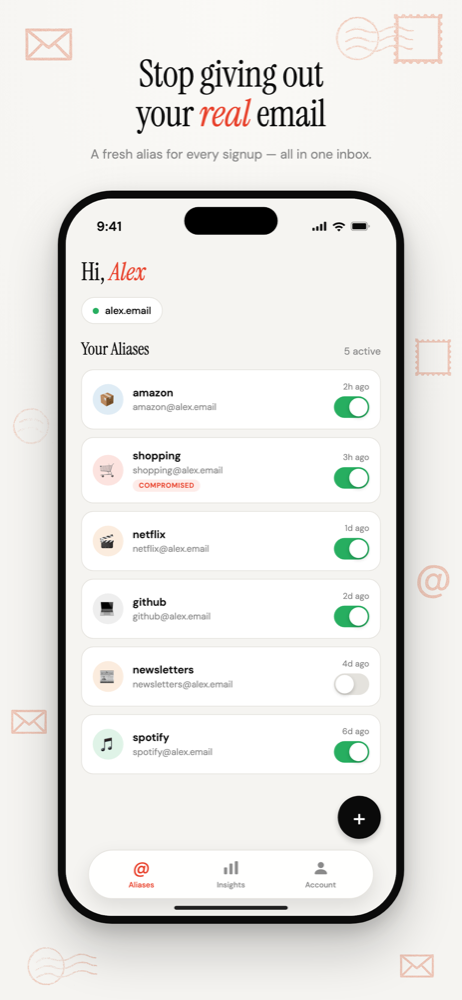
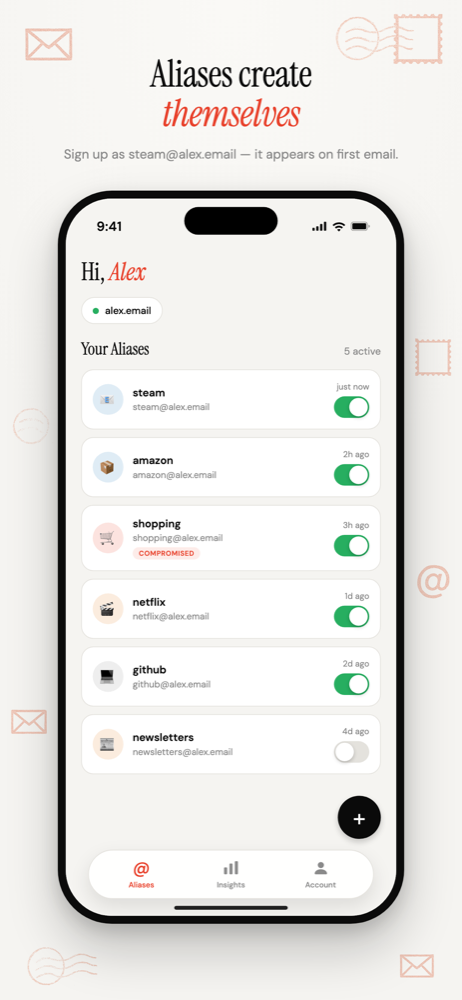
Nothing needs creating in advance. An address starts working the first time mail arrives.
One person runs the account. Everyone else just receives mail.
Route each alias to the right person
Add each family member's inbox as a forwarding address. They confirm it once from their own inbox. Then point every alias at whoever needs it:
school@to the parent who handles school.roblox-sam@to a parent, while Sam is young.energy@to a shared household inbox, if both adults need the bills.
Each alias goes to one inbox. For mail two people need, use an inbox you share.
Children's signups
Children sign up for games and apps with weak data practices. Routing those aliases to a parent isn't about reading their mail. It's about noticing when an address starts attracting junk, and which app leaked it.
Because the domain is yours, a child can take over their own addresses later without changing a single account.
Two household rules
- Never disable a shared alias on your own. Switch off
energy@over marketing and the next disconnection notice bounces. - Keep the domain registrar and this account on a real address that more than one adult can reach. Turn on auto-renew. A lapsed family domain takes every household address with it.
Do aliases break account recovery? · Naming and organising aliases
Common questions
- Can one alias forward to two people?
- No. Each alias forwards to one inbox. For mail both adults need, such as utility bills, route the alias to an inbox you share, or have one person forward the occasional message on.
- Does each family member need their own account?
- No. One person runs the account and adds each family member's inbox as a forwarding address. Each person confirms their address once from their own inbox, and then any alias can be routed to them.
Email Aliases for Families
One household domain, a separate address for every account, each routed to whoever needs it.
Free software. You bring a domain you own, or register one during setup.
More ways to use Don't SPAM Me
- Email Aliases for Online ShoppingOne address per shop. Receipts keep working, and the marketing switches off one store at a time.
- Track Which Company Leaked Your EmailOne address per company, so the address that gets spam names the company that shared it.
- Auto-Create Email Aliases as You Sign UpType any address at your domain into a form. It exists the moment the first email arrives.
- Email Aliases on Your Own DomainUnlimited aliases on a domain that belongs to you, not to the alias service.