Email Alias for Job Applications
An email alias for job applications keeps your search on its own address, on a domain that looks like yours.
Give each recruitment agency its own alias too, so you know which one shared your CV.
When you've settled into the new job, switch the search addresses off and the recruiter mail stops.
Free software. You bring a domain you own, or register one during setup.
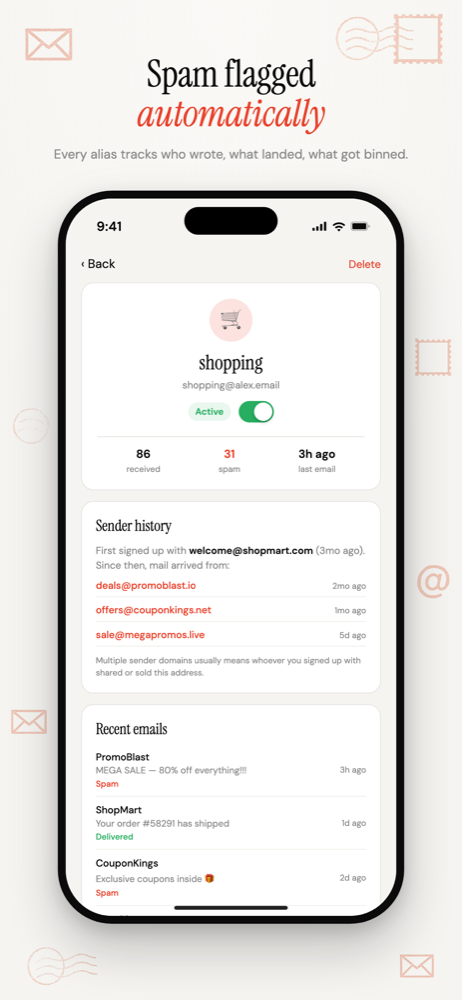
Why job searches leak
- Job boards license their CV databases to recruiters. It's in the terms when you make your profile searchable.
- Agencies share candidate lists with each other and with sister companies.
- Applications run through third-party systems that keep your details after the role is filled.
You needed to be findable for eight weeks. Without an alias, you stay findable for years.
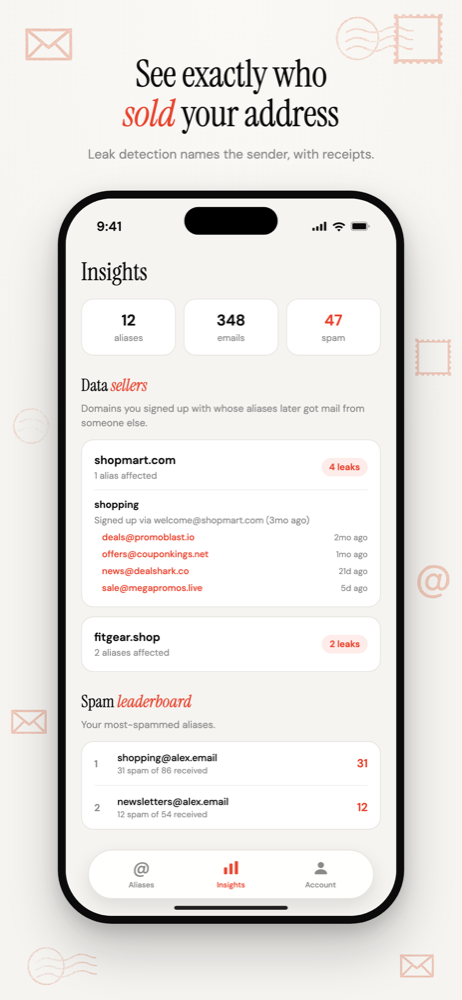
The setup
- One address for the search, on your CV and job board profiles:
jobs2026@yourname.com. - A separate address for each agency you work with, so you know which one shared your details.
- Another for direct applications to employers you care about.
- Keep them all live until you've settled into the new role. Offers fall through and references get chased.
- Then disable the board and agency addresses. The recruiter mail stops in one tap.
It looks professional
A hiring manager reads your address. jobs@yourname.com looks organised. A random string at a well-known masking domain can look odd to someone who doesn't know what it is.
An alias on your own domain is simply a personal domain, which is exactly what it is. How to stop recruiter spam
Next search, new address
When you look again, start a fresh alias rather than re-enabling the old one. The old one is on lists now. The new one starts clean, with a fresh record of who passes it on.
Common questions
- Will an alias on my CV look unprofessional?
- Not on your own domain. An address like jobs@yourname.com reads as a personal domain, because it is one. Random strings at well-known masking domains are the ones that can look odd to a hiring manager.
- When should I switch the job-search alias off?
- Once you're settled in the new role, not the day you accept. Offers fall through, references get chased and payroll sometimes emails the address on file. Keep any alias tied to an employer you'd apply to again.
Email Alias for Job Applications
One address for the search, one per agency, and the recruiter mail switches off when you're hired.
Free software. You bring a domain you own, or register one during setup.
More ways to use Don't SPAM Me
- Email Aliases for Online ShoppingOne address per shop. Receipts keep working, and the marketing switches off one store at a time.
- Email Aliases for NewslettersOne address per publisher. Filter them into a folder, and switch off any that pass you on.
- Email Aliases for Free TrialsOne address per trial. The renewal reminder reaches you, and the win-back emails stop when you're done.
- Email Aliases for FamiliesOne household domain, a separate address for every account, each routed to whoever needs it.
- Track Which Company Leaked Your EmailOne address per company, so the address that gets spam names the company that shared it.
- Auto-Create Email Aliases as You Sign UpType any address at your domain into a form. It exists the moment the first email arrives.
- Email Aliases on Your Own DomainUnlimited aliases on a domain that belongs to you, not to the alias service.
- Email Alias App for iPhoneSwitch aliases on and off, see who leaked your address, and manage forwarding from your iPhone.